
Something quietly strange has happened in Zimbabwe over the past year.
People don’t argue about football only anymore. They argue about Wi-Fi.
Someone will say, “Starlink yangu inorova 180 Mbps.”
Another replies, “Ahh, but wait until it rains.”
Someone else jumps in with, “Positioning ndiyo problem, not Starlink.”
A few months ago, none of this language existed in normal conversation. Now it’s casual. Starlink did that.
What many don’t realise is that Starlink didn’t just bring faster internet — it brought people closer to how the internet actually works. And that’s where confusion, surprise, and eventually appreciation start.
Let’s clear the fog gently.
If you check Starlink’s official website today (February 1, 2026), the numbers are straightforward. The Starlink Mini kit hardware costs about US$200, with a one-time shipping fee around US$23–30. Monthly subscriptions start at US$30 for the Mini or Residential Lite plan, and about US$50 for the standard residential plan. No hidden charges — that’s Starlink talking directly to you.
There are basically two ways to get it:
Option 1: Official Website
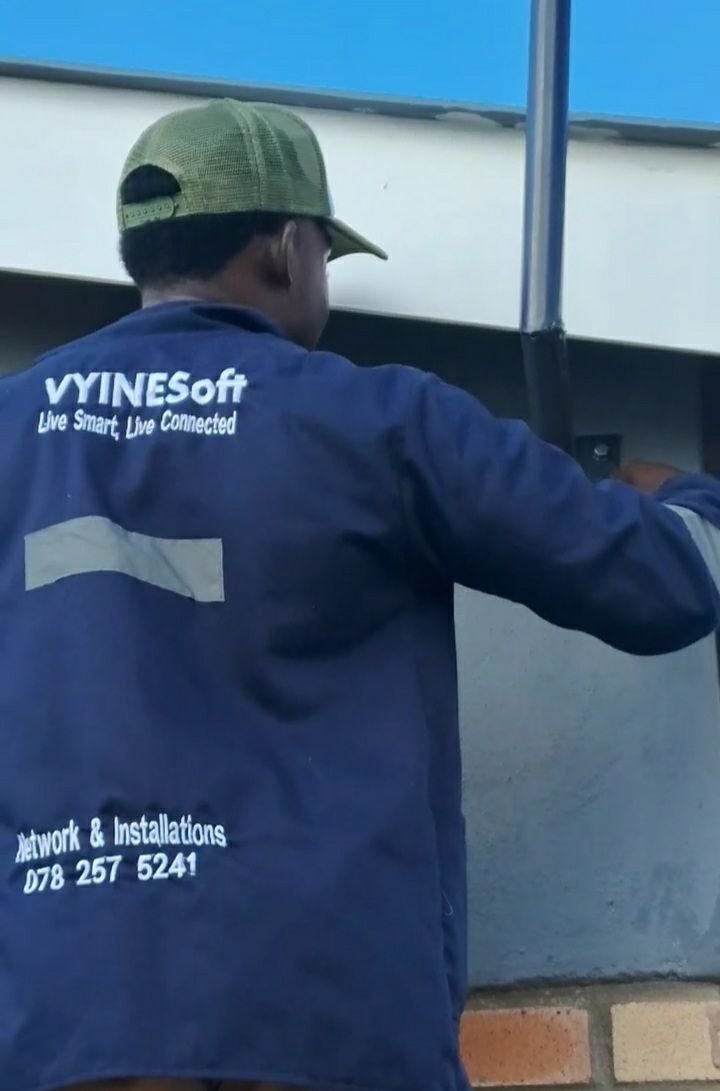
You order from Starlink, pay the hardware and shipping, then… wait. Usually around 2 weeks before it arrives. Once it’s delivered, you’ll want someone like VYINESsoft(0782575241) to come and install it properly, THEY CAN ALSO HELP YOU WITH ORDERING, FREE OF CHARGE — dish positioning, cable routing, dead-zone mapping — all that good stuff that turns a kit into life-changing internet.
Option 2: Local Retailers
Some resellers in Zimbabwe stock Starlink kits for faster access. The hardware here often ranges between US$250 and US$300, which, together with the subscription and installation, can total around US$330–380. Why the jump? Simple economics: demand is high, supply is tight, and Starlink’s popularity keeps climbing.
A quick history for context: last year, hardware plus shipping could cost around US$183 if you got a discount or an installment plan. Local retail prices hovered near US$200. Today, hardware plus shipping is closer to US$230, and retailers have had to move prices up to reflect demand.
So whether you go direct or through a retailer, the numbers are higher than last year — but remember: you’re paying for access, reliability, and speed that didn’t exist before. Starlink didn’t get more expensive overnight; it’s just the market catching up with how many people want it.
Availability adds another layer. Even if you’re ready to pay, Starlink sometimes shows “capacity limited” or “sold out.” Rural areas may get through easily, while city orders take longer. It’s not punishment — the satellites only handle so much traffic at a time.
So yes, Starlink can feel a little elusive — but now you know why, and exactly what your options are.
So yes, Starlink can feel elusive even when it exists.
Then the box finally arrives.
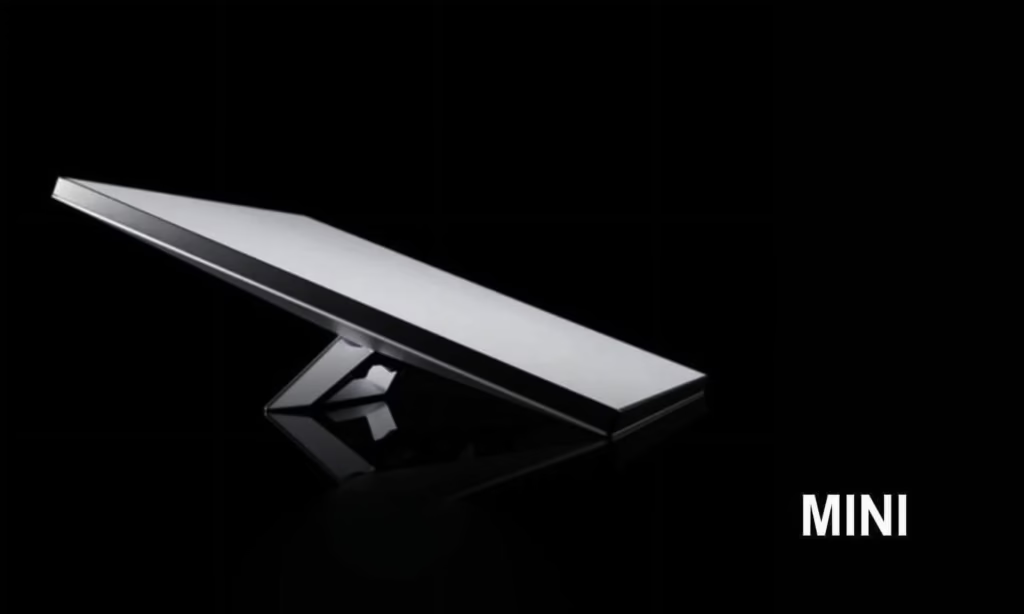
Unboxing feels premium. The dish looks futuristic. Setup feels almost insulting in its simplicity. Plug in. Power on. Point at the sky. Minutes later, you’re online. Speeds are real. Smiles are genuine.
And then, quietly, reality starts tapping your shoulder.
The lounge is flying.
The bedroom is… thinking.
The study works until the door closes.
Someone moves two rooms away and suddenly WhatsApp voice notes load like it’s 2012.
This is where Starlink stops being magic and starts being physics.
Starlink gives you internet access. It does not redesign your house.
Zimbabwean buildings are strong — thick brick, solid concrete, sometimes double-layered walls. Great for security. Terrible for Wi-Fi. Add metal roofing, ceiling boards, distance, and poor router placement, and even the fastest internet will trip.
This is why you’ll hear people say things like:
“Speed is crazy, but not everywhere.”
“Outside it’s perfect, inside certain rooms struggle.”
“I thought one router would cover everything.”
None of that means Starlink failed. It means expectations met architecture.
Starlink can be DIY. Many people succeed on their own. But consistently good Starlink usually comes from decisions most people don’t think about at first: dish positioning, roof height, sky obstructions, cable paths, router placement, dead-zone mapping, and whether extensions or additional access points are needed.
Another quiet reality is your devices themselves — your phones, laptops, tablets, even smart TVs. Starlink sends internet through its dish, but how that internet reaches your devices depends a lot on Wi-Fi technology and frequencies.
Starlink routers support Wi-Fi 5 and Wi-Fi 6. In simple terms:
- Wi-Fi 5 is good, but older. It works well, but if many devices are online, it slows down.
- Wi-Fi 6 is newer and smarter. It can handle more devices at once, faster speeds, and smoother video calls or streaming.
Then there’s frequency — basically, the invisible “lanes” your Wi-Fi travels on:
- 2.4 GHz goes far, even through walls, but it’s slower. You can walk to the kitchen or bathroom and still get some signal.
- 5 GHz is faster, like a sports car, but weaker through walls. One room it’s lightning fast, the next room it drops.
Now you start to see why your phone feels different from your neighbour’s:
“Ah, ko yangu phone iri ku lag, yangu haisi?”
It’s not because Starlink is broken, or your phone is “bad.” It’s because your devices speak different Wi-Fi languages. A new iPhone 14 Pro can handle Wi-Fi 6 and 5 GHz perfectly — fast and smooth. Your older Samsung Galaxy J6 might only speak Wi-Fi 5, struggles with 5 GHz, and slows down when walls or distance get in the way.
In other words, Starlink is giving the same signal to everyone, but how your phone “understands” that signal changes your experience. On older phones, you may have to sit closer to the router, or use a Wi-Fi extender to reach every corner of your home. On newer devices, you might not even notice any difference — it just works.
Even the type of device changes the experience: smart TVs need a steady stream, laptops juggling video calls might need Wi-Fi 6, and tablets used by kids for school might drop connection if too far from the router. Suddenly, everyone is moving around the house like “handei pedyo neWi-Fi, koiri reachi sei?”
Understanding this, and maybe planning which devices get priority or moving the router slightly, can make the difference between buffering frustration and smooth streaming bliss.
Once all these things are addressed — devices, dish, walls, dead zones, frequencies — something subtle happens. The internet stops being an achievement and becomes invisible background noise. Businesses run without apologising on Zoom. Students attend classes without buffering anxiety. Homes stop orbiting the router like it’s a fireplace in winter 😄
Yes, Starlink costs money. But not for speed alone. It costs for reliability, independence from local infrastructure, and connectivity in places where other internet fails. When it’s installed and configured properly, most people stop thinking about the cost daily — they just notice that everything works.
That’s usually when the quiet phone calls start happening.
In Gweru, it’s normal to hear someone say, “Just call Vyinesoft or Ding Technologies — these things need someone who’s done them before.” Not because Starlink is fragile, but because good networking is about seeing problems before they become complaints.
Starlink didn’t turn everyone into a network engineer.
It simply showed everyone that the internet is more than a box.